
Players / Parents
Every player needs a signed waiver on file, ice or roller. It takes a couple of minutes and it only has to be done once. Parents sign for anyone under 18.
Youth skaters cannot sign themselves up. A parent has to create the account and add them before they arrive at the rink.
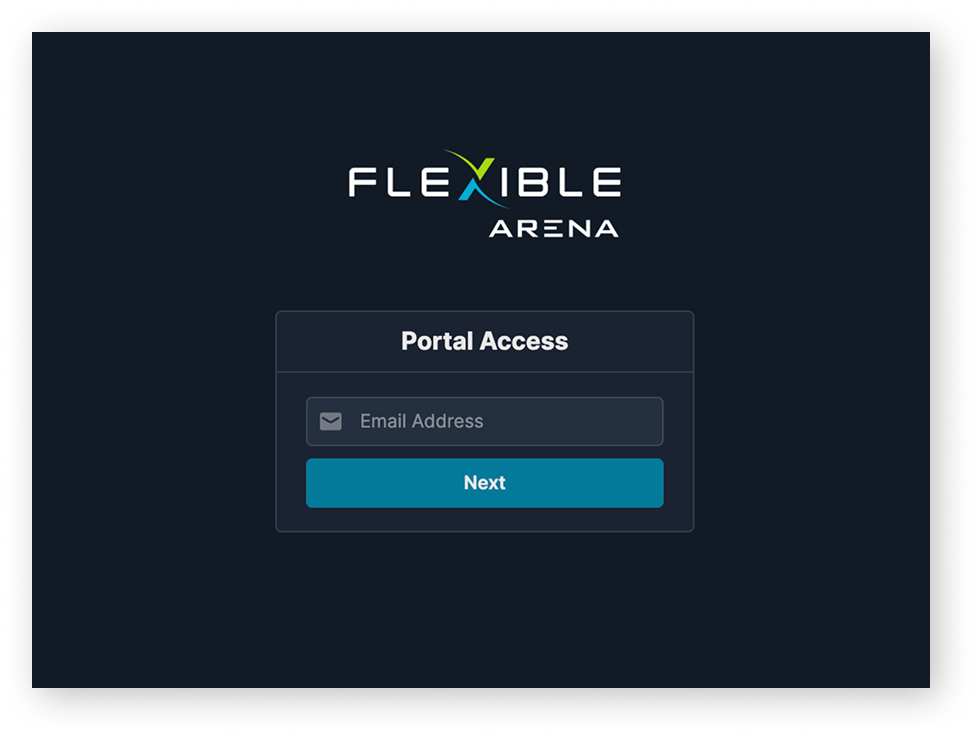
Enter your email, then choose Parent if you are signing for a child, or Adult Skater if you are playing yourself.
Open the My Children tab and click Add Child. Add each child who will be skating.
Skip this step if you are an adult skater signing only for yourself.
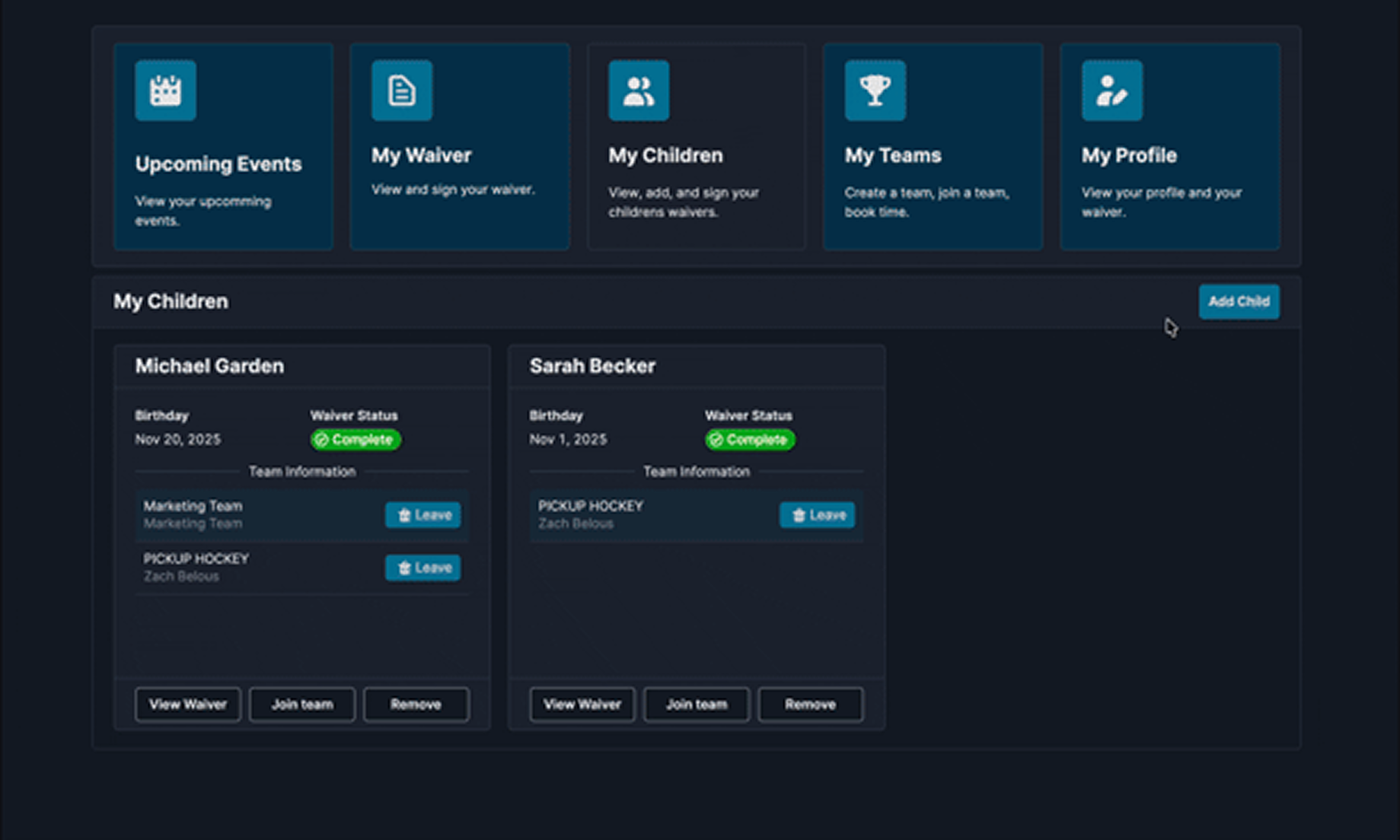
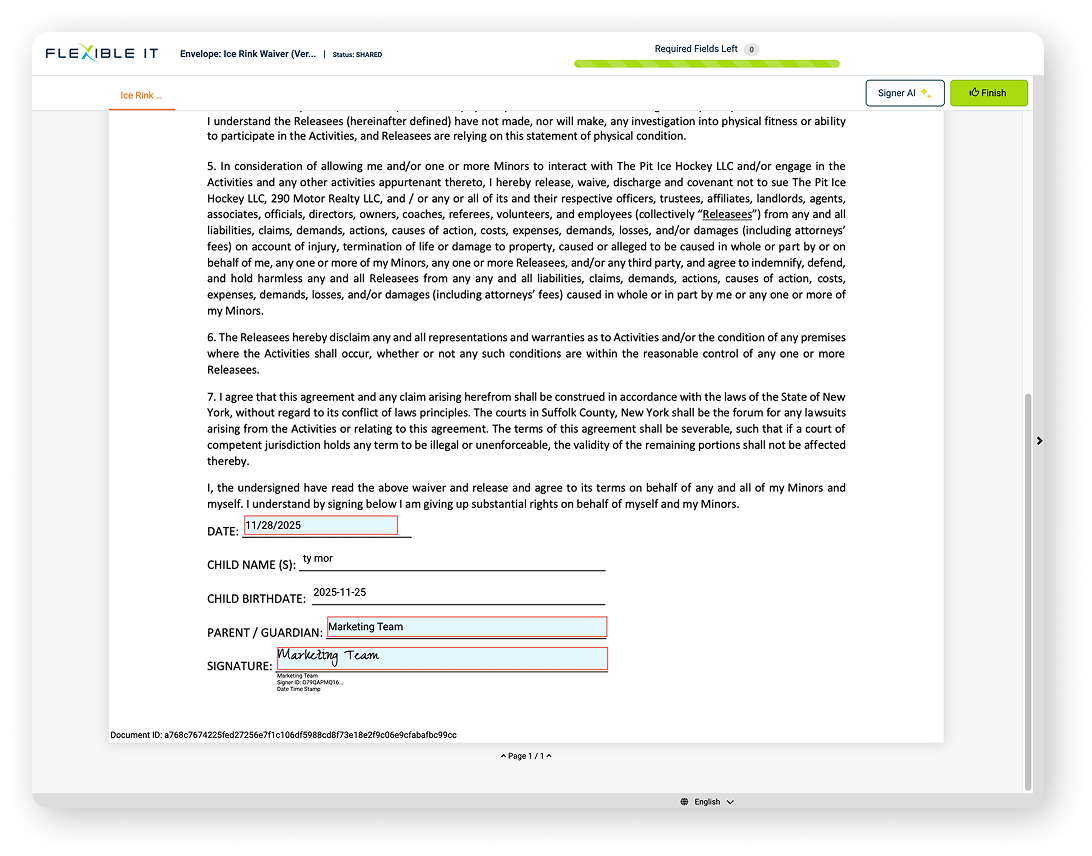
Once the child is added, click View Waiver. Read it, check that the details are right, then sign.
No signed waiver, no skating. Coaches check the waiver report before every slot.
Use the My Teams tab to join a team. A child on more than one team can be added to several rosters.
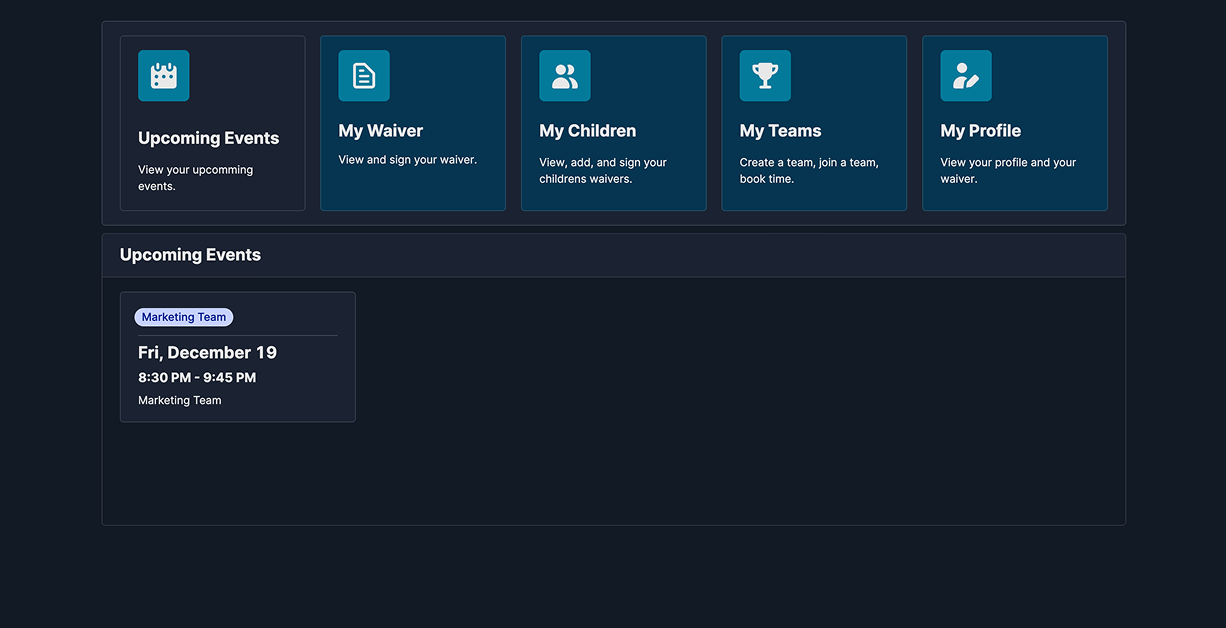
The Upcoming Events tab shows the times your coach has reserved for your team.
A few things worth knowing whether you are playing on ice in the winter or roller in the summer.
Sign it once and it stays on file in your account. If anything about your child changes, update the details and sign again.
No. One waiver per child covers them. You can add the same child to several rosters from the My Teams tab.
Sign up like everyone else, but choose Player / Parent at the first prompt, not Coach / Organizer. Each team starts with one Coach / Organizer, and they add assistant coaches to the team from there.
Yes, but sign up as an Adult Skater and skip the children step. You sign your own waiver.
The Upcoming Events tab shows every slot your coach has booked. Pickup games and tournaments open to everyone are on the events page.
Rink time is free, ice and roller. Some outside tournaments run at the Arena charge their own entry fee, which is listed on the event.
Call (631) 756-0404. For the full house rules, see arena rules.